

Built for your working day
About this app
You’ve finished the work. Getting the invoice out should be the easy part. Invoice Maker turns the details of a job into a clear, professional invoice or estimate, right from your phone.
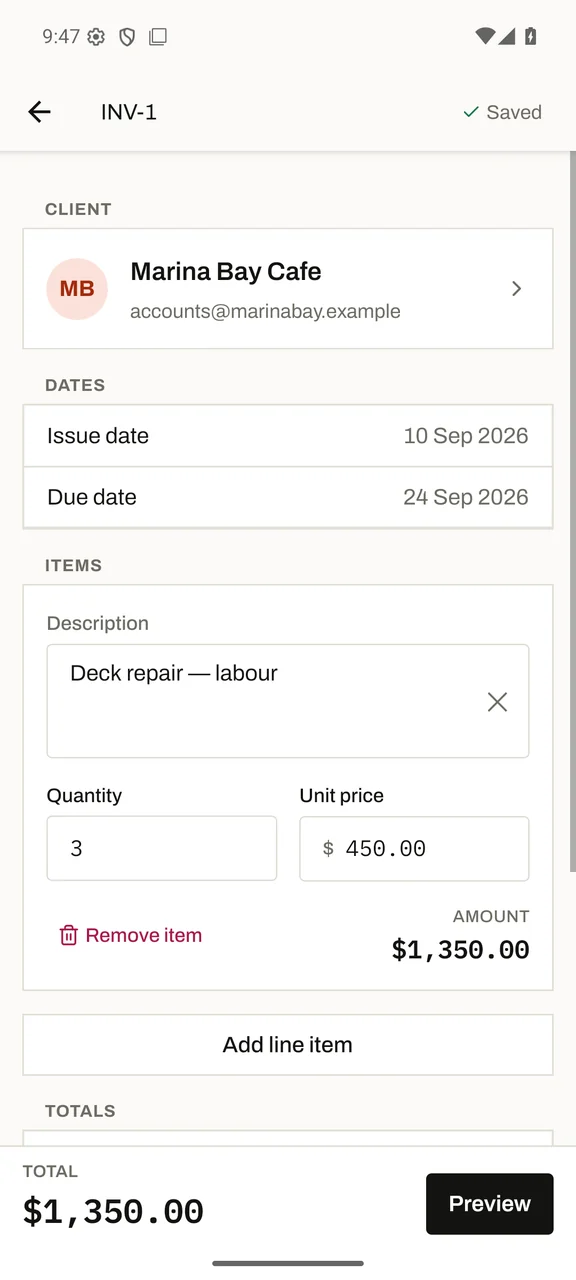
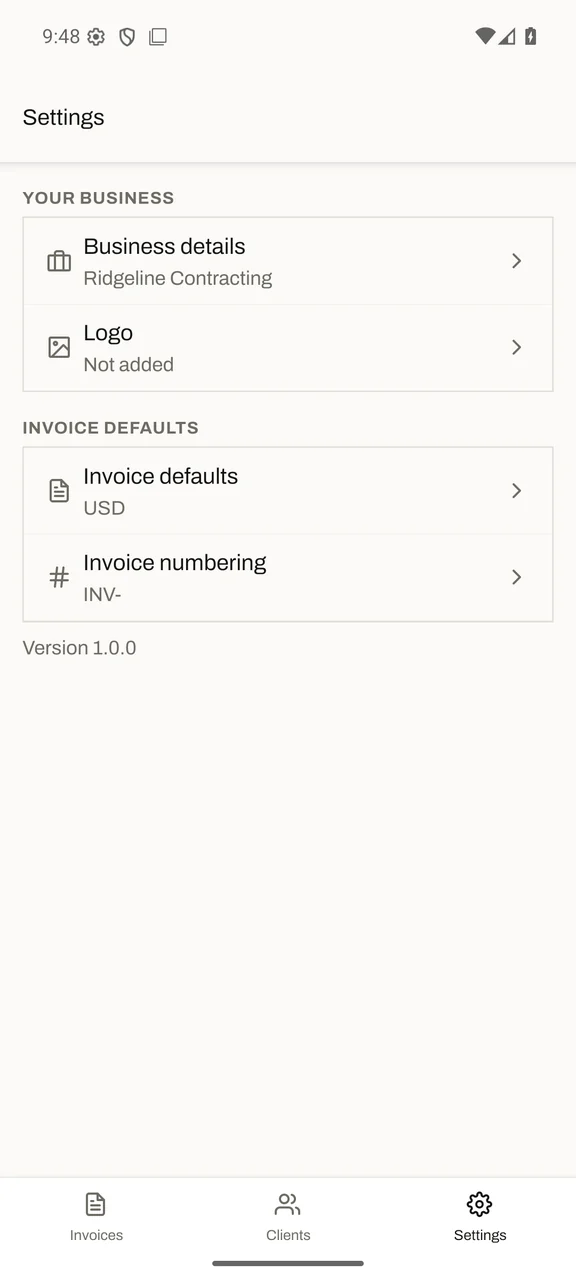
Set up your business once, save your clients, and add the work you’ve done. Create and edit offline, then share a PDF through the app you choose. Your business details and documents stay on your device.
Built for people who bill by the job: contractors, electricians, plumbers, cleaners, photographers and independent freelancers. A focused tool for documents and follow-up.
From estimate to invoice
Quote the job, then convert the estimate to an invoice when it’s approved. Duplicate a document for repeat work.
A PDF with your name on it
Add your business details and logo. Share a professional PDF by email, messaging or storage through your phone’s share sheet.
Less typing, next time
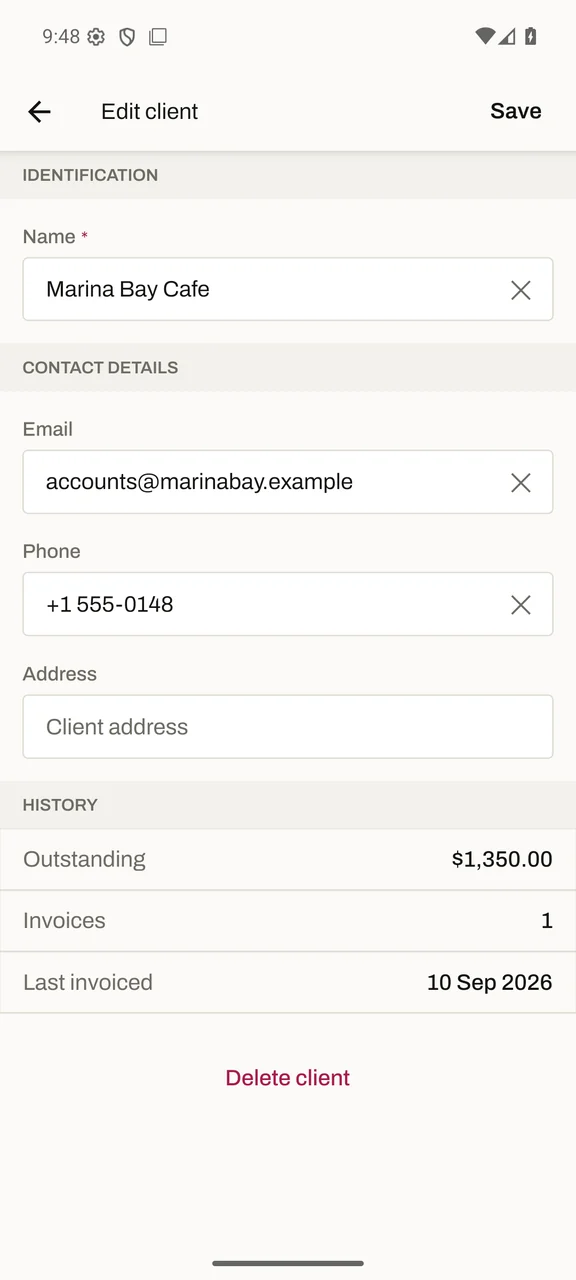
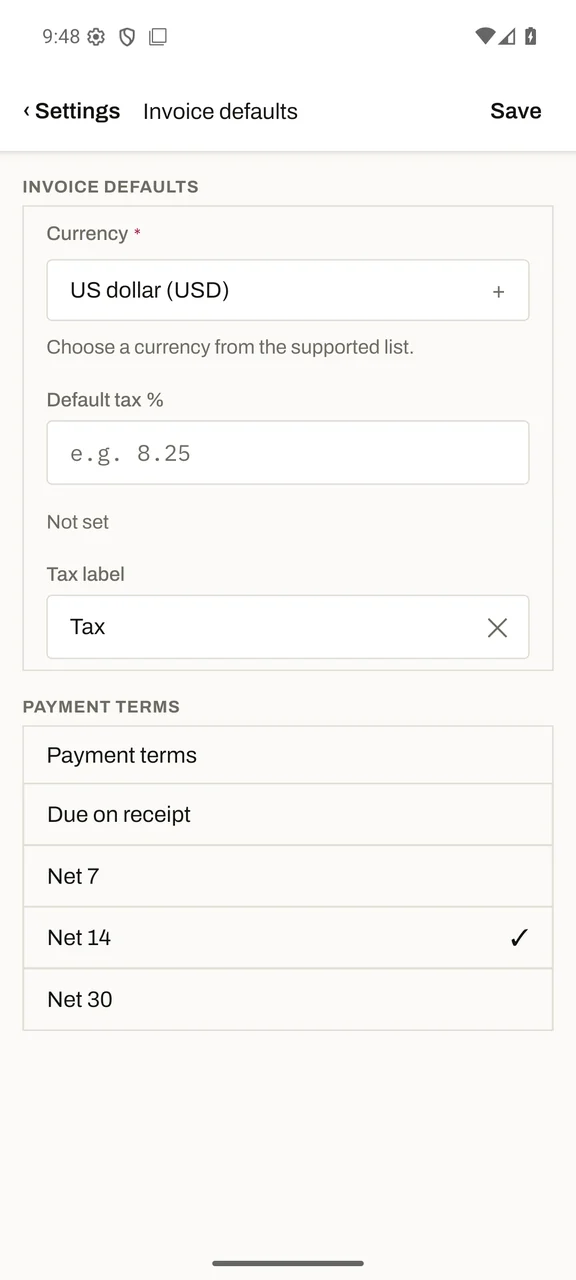
Save client details and set your usual currency, tax rate and payment terms. Running totals update as you edit.
Keep track of the follow-up
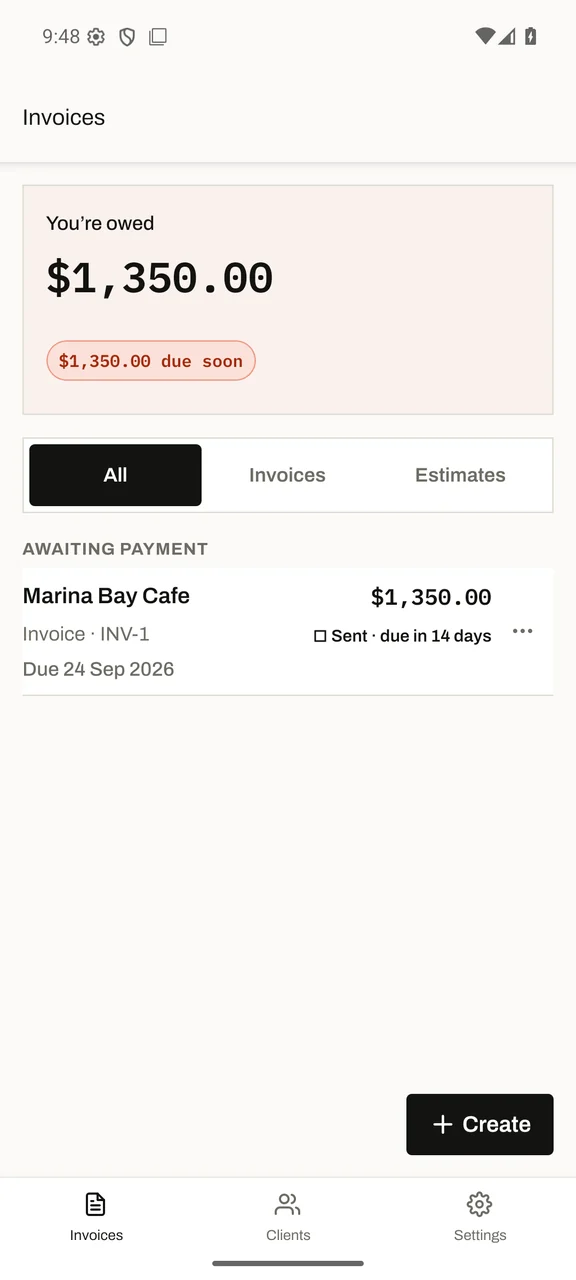
Mark invoices sent or paid yourself, see what you’re owed, and spot overdue invoices at a glance.
What’s new
1.0.0First release · in testing
Invoices and estimates, saved clients, PDF sharing, and a clear view of what you’re owed. Works offline, with no account or sign-up.
Clear by design
Data safety
Your documents stay on your device. Some technical, usage and subscription data leaves the app, as explained below.
Business data stays local
Client details, invoices, estimates and your logo are stored on your phone. PDFs are shared only when you choose a destination.
Automatic analytics in configured builds
Native builds with a bundled analytics key collect usage events, device and session identifiers, approximate location, and masked screen recordings. There is no analytics setting. Web and key-free builds send no PostHog data.
Technical data for app updates
Native release builds contact Expo for updates, independently of analytics. Requests include an installation identifier and app metadata; Expo also sees the connection’s IP address.
Subscriptions through Apple or Google
Yearly and monthly plans are bought and cancelled in the App Store or Google Play, which handle payment. RevenueCat checks and restores subscriptions using a random app user ID and the store’s purchase records. KLM Labs never sees card details.
No ads or cross-app tracking
No advertising, data sales or tracking across other apps. Contact KLM Labs to ask about data or request deletion.